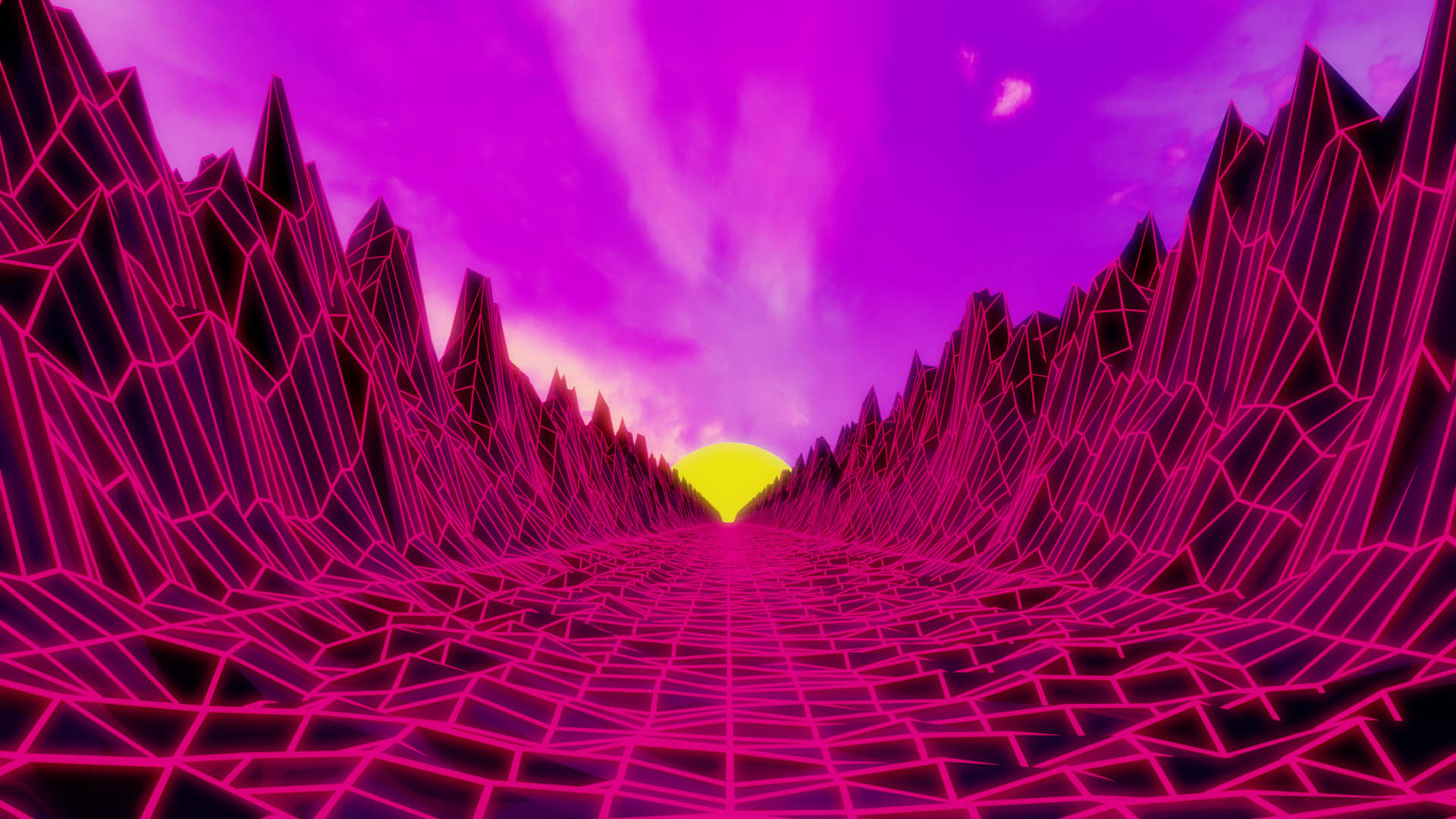
For this render, I was inspired by the many wallpapers that are almost identical to the final product. To start I first generated a long stretch of mountains with the landscape generator plugin. I then extracted out the ground plane to about the middle point where I then followed it up with a mirror modifier and after manually connected the two which took a while, to say the least. I then used the random proportional editing tool to create the random bumps in the road to make the transition between the side and floor less jarring. I then duplicated my work and used the wireframe modifier to create the wireframe look. After creating the materials I used the compositing tools to create the bloom effect and then I rendered the final product.
For this render, I was inspired by the many wallpapers that are almost identical to the final product. To start I first generated a long stretch of mountains with the landscape generator plugin. I then extracted out the ground plane to about the middle point where I then followed it up with a mirror modifier and after manually connected the two which took a while, to say the least. I then used the random proportional editing tool to create the random bumps in the road to make the transition between the side and floor less jarring. I then duplicated my work and used the wireframe modifier to create the wireframe look. After creating the materials I used the compositing tools to create the bloom effect and then I rendered the final product.