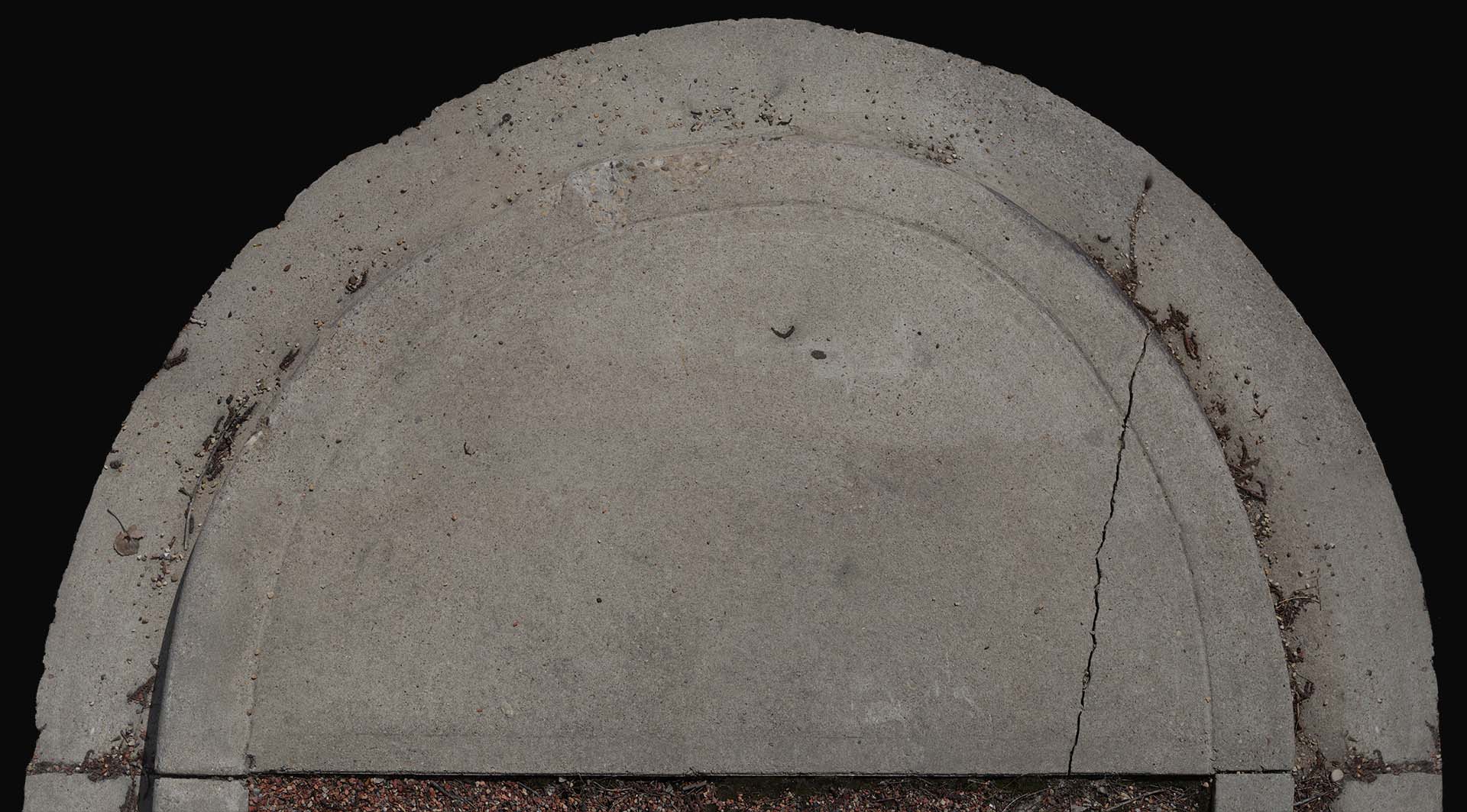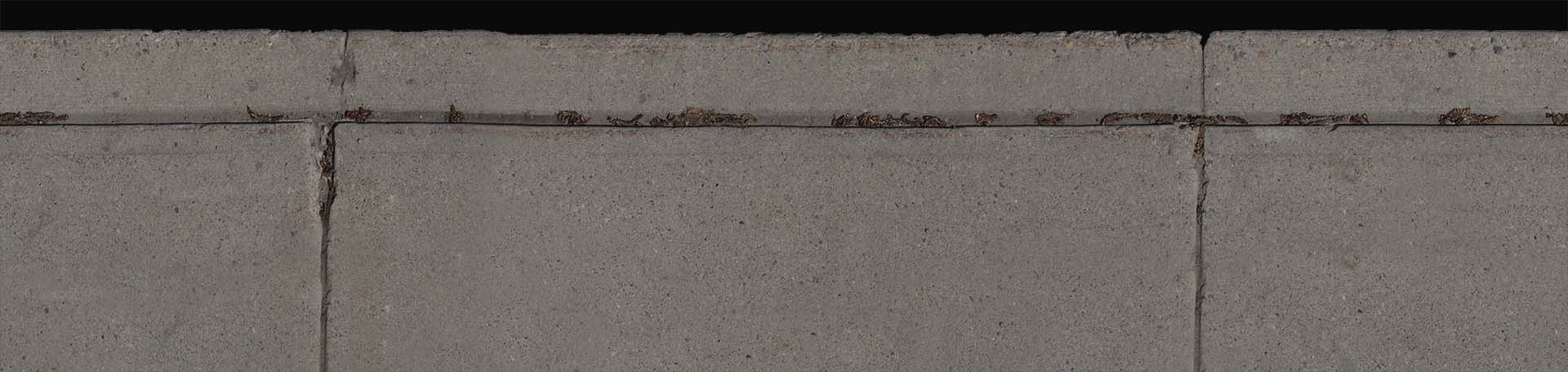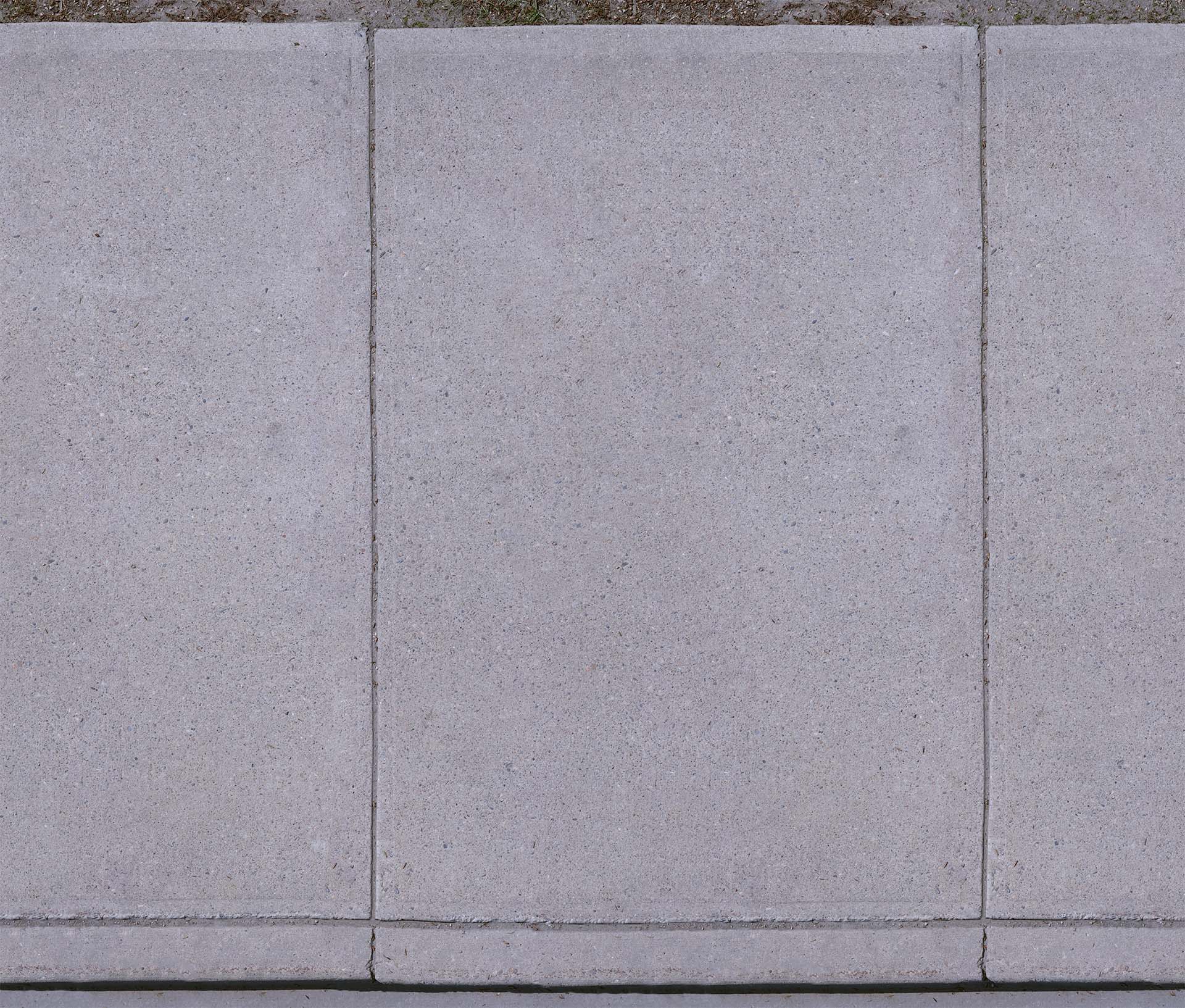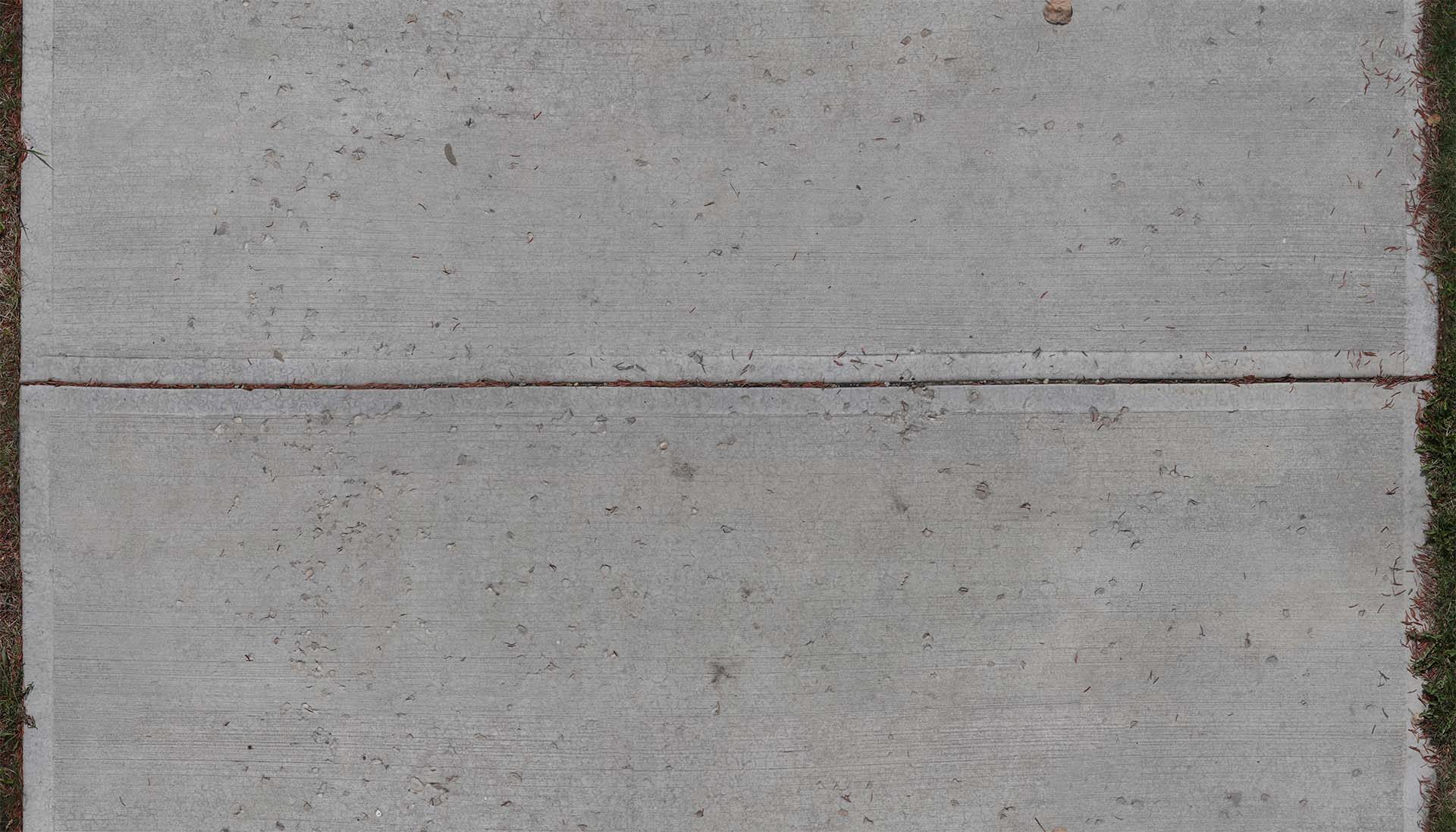
This project is similar to the previous in the sense that its another project thats leading into Project Windows scene 1. The whole reason why this project took place was that there are no good textures of the sidewalks on the internet. So I made my own. The basic process that was behind making these textures is taking multiple pictures of the surface and then stitching them all together, but that's easier said than done. I should say that I shot all of these textures with a 35mm prime, and at my height, to cover the area of a sidewalk multiple pictures need to be taken. Once they have all been shot I then use the "Load Images into Stack" option in Photoshop to get them all together. But that's not the whole story because I also have to still blend them all by hand or sometimes the autoblend tool can help. Usually when photoshop auto aligns it warps everything out of wack, so I then have to spend some time with liquidfy trying to dewarp everything. After that's done, I just have to make it seamless, this usually involves using the offset filter and the clone stamp. I'm going to say right here that anyone can use these textures however they want and I'm also going to provide the unscaled versions as well. Texture 1 Texture 2 Texture 3 Texture 4 Texture 5


This project is similar to the previous in the sense that its another project thats leading into Project Windows scene 1. The whole reason why this project took place was that there are no good textures of the sidewalks on the internet. So I made my own. The basic process that was behind making these textures is taking multiple pictures of the surface and then stitching them all together, but that's easier said than done. I should say that I shot all of these textures with a 35mm prime, and at my height, to cover the area of a sidewalk multiple pictures need to be taken. Once they have all been shot I then use the "Load Images into Stack" option in Photoshop to get them all together. But that's not the whole story because I also have to still blend them all by hand or sometimes the autoblend tool can help. Usually when photoshop auto aligns it warps everything out of wack, so I then have to spend some time with liquidfy trying to dewarp everything. After that's done, I just have to make it seamless, this usually involves using the offset filter and the clone stamp. I'm going to say right here that anyone can use these textures however they want and I'm also going to provide the unscaled versions as well. Texture 1 Texture 2 Texture 3 Texture 4 Texture 5